
EV Pay
 EV Pay
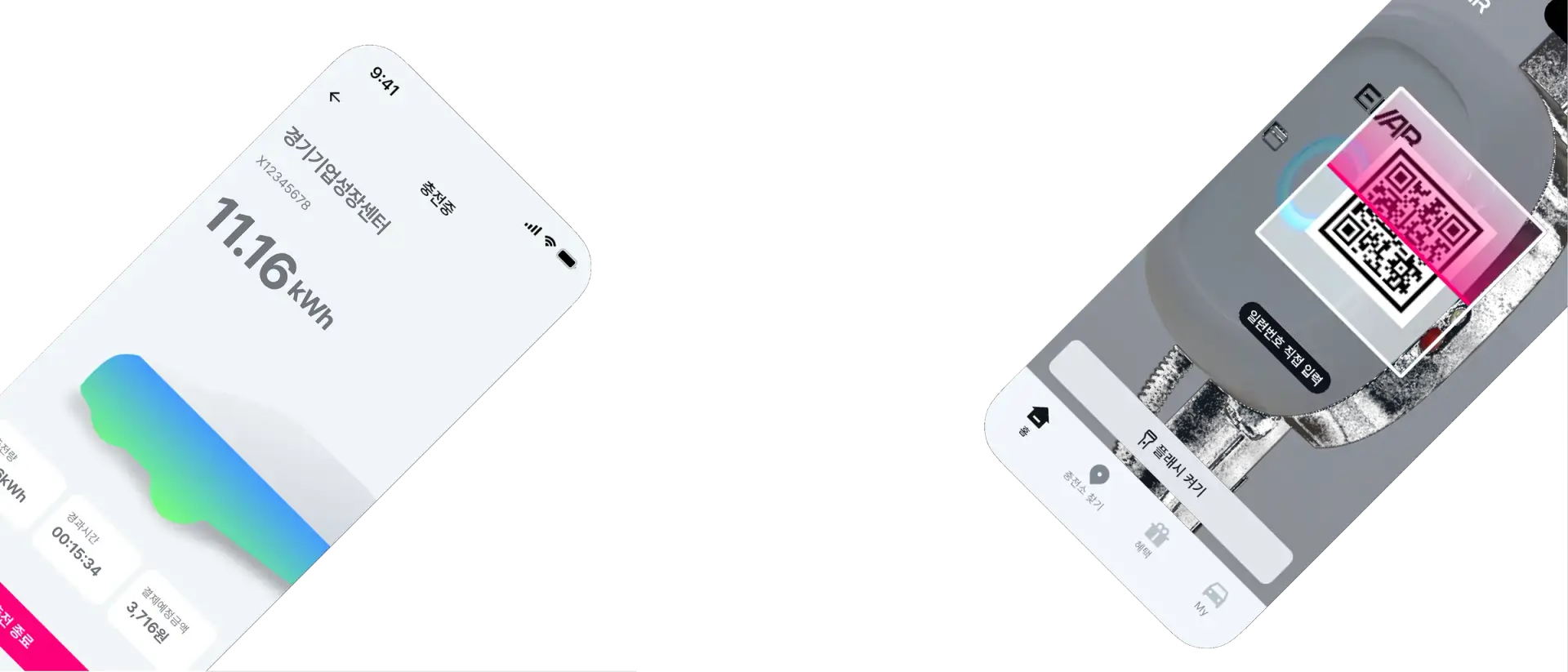
Charge anywhere. Pay and earn in one app.
No card to carry. Tap the mobile T-money on your phone to charge at EVAR and partner stations alike.Payments, credits and charging history all live in EV Pay.





 Home
Home Map
Map Benefits
 My
My


 Flash On
 Home
Home Map
MapWhat EV Pay does
01Tap to charge with your phone
Register the mobile T-money in your phone wallet as a member card, then just hold your phone to the charger. It works the same at EVAR and partner stations.





 Benefits
Two ways to start, depending on the charger
 EVAR stationsPartner stations
Member card tap
Register a T-money card or the mobile T-money in your phone wallet as your member card. Tap it on the charger and charging starts, no need to open the app.
At partner stations, tap charging works once your member card is registered and roaming registration with the Ministry of Environment is confirmed.
FAQ
Common questions when you first use EV Pay.
Can I use EV Pay at partner stations?
Yes. At partner stations, tap the member card (T-money) registered in EV Pay on the charger. App QR charging works only at EVAR stations. It becomes available once your member card is registered and roaming registration with the Ministry of Environment is confirmed, and the fee is charged after the settlement record arrives.
How do I register T-money?
Go to My > Member Card and enter the number of your T-money card or the mobile T-money in your phone wallet. A member card needs a payment card, so please register a payment card first.
How are credits used?
Credits come off your charging fee first, and only the rest is charged to your main card. See your credits and their expiry dates in My > My Credits.
Your next charge, just your phone
Charge with one tap, and earn more credits the more you charge. The app is free.